
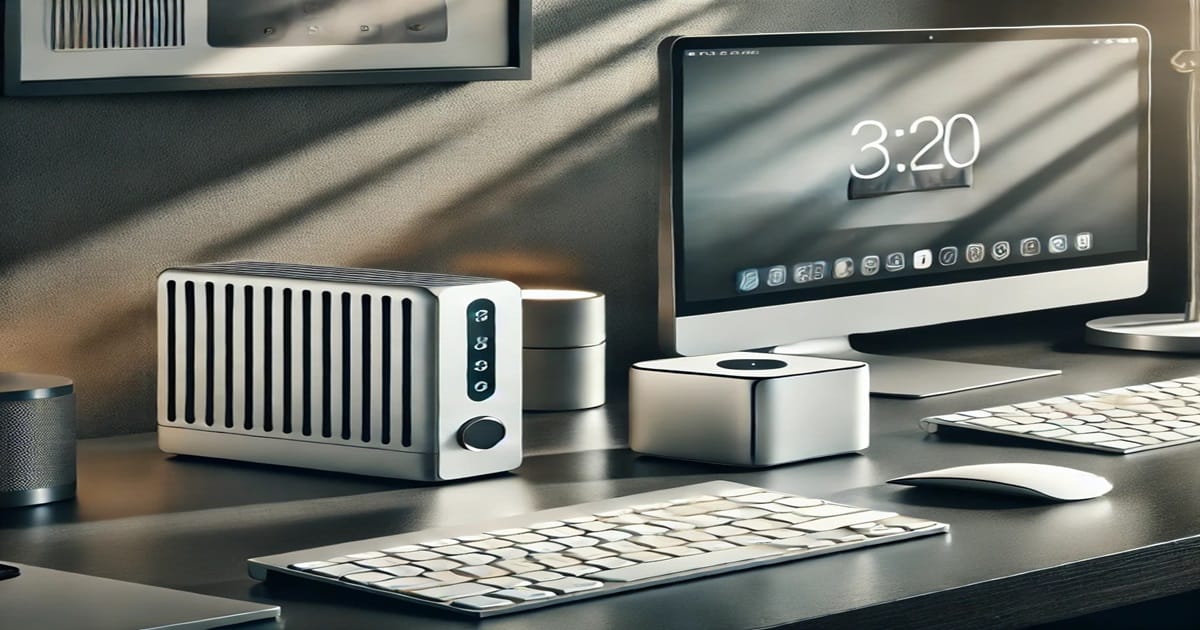
Modern Wireless Keyboards for Your Computing Journey
Key Differences Between RF and Bluetooth Keyboards Connectivity Range
| Feature | RF Keyboards | Bluetooth Keyboards |
|---|---|---|
| Range | Up to 10 meters (33 feet) | Up to 10 meters (33 feet), varies by Bluetooth version |
| Obstruction Handling | Can pass through walls and obstacles | Performance may decrease with obstacles |
| Interference | Less prone to interference | May experience interference from other devices |
| Consistency | Stable and reliable within its range | Varies with Bluetooth version |
RF Keyboards: RF keyboards typically have a reliable connection within a range of about 10 meters (33 feet). This range is generally sufficient for most desktop setups. However, obstacles like walls or other electronic devices can slightly reduce this range. The 2.4GHz RF Wireless Keyboard offers a robust connection ideal for home or office use.
Bluetooth Keyboards: Bluetooth keyboards also offer a similar range of about 10 meters, but their performance can vary depending on the Bluetooth version used by both the keyboard and the device. Bluetooth 5.0, for example, offers improved range and stability compared to older versions. These keyboards are often great with Mini PCs, allowing for versatile setups across different devices.
Battery Life
- RF Keyboards: Due to their more efficient use of power, RF keyboards often have longer battery life. They are typically designed to go several months, or even a year, on a single set of batteries, depending on usage.
- Bluetooth Keyboards: Bluetooth keyboards generally consume more power, especially when used with multiple devices. Some models come with rechargeable batteries, which need to be recharged every few weeks, depending on use. While this might seem like a drawback, rechargeable batteries can be more convenient in the long run, as they eliminate the need for constant battery replacement.
Battery life is a crucial consideration, especially for users who rely on their keyboards for extended periods or who frequently travel. The choice between RF and Bluetooth may come down to how often you are willing or able to manage battery replacements or recharges. Battery Life Comparison
| Keyboard Type | Battery Life | Power Source |
|---|---|---|
| RF Keyboards | Several months to a year | Standard batteries (AA/AAA) |
| Bluetooth Keyboards | Several weeks to a few months | Rechargeable batteries or AA/AAA |
Device Compatibility
- RF Keyboards: As mentioned earlier, RF keyboards are limited to devices with USB ports. This includes most desktops and laptops but excludes many modern devices like smartphones, tablets, and ultrabooks. If you’re planning to use your keyboard with a variety of devices, this limitation could be a significant drawback.
- Bluetooth Keyboards: Bluetooth keyboards shine in the area of compatibility. They can connect to a wide range of devices, including smartphones, tablets, laptops, and even smart TVs. This versatility makes them a great choice for users who need a keyboard that can work with multiple devices. These keyboards are often used with Mini PCs to create a powerful and versatile computing setup.
Compatibility
| Keyboard Type | Compatible Devices |
|---|---|
| RF Keyboards | Desktops, laptops (requires USB ports) |
| Bluetooth Keyboards | Smartphones, tablets, laptops, desktops, smart TVs |
Ease of Use
- RF Keyboards: RF keyboards are typically easier to set up and use. Once the dongle is plugged in, the keyboard is ready to go, with no additional steps required. This simplicity makes them a popular choice for users who want a hassle-free experience. The 2.4GHz RF Wireless Mini Keyboard is a prime example of easy setup with high reliability.
- Bluetooth Keyboards: Bluetooth keyboards require a bit more setup, particularly when pairing with multiple devices. However, once paired, they offer the flexibility of switching between devices without the need for additional dongles or adapters. Bluetooth keyboards are often a Mini PC’s best friend when it comes to creating a seamless and efficient workspace.
Looking for simplicity or versatility?
Imagine the ease of using wireless keyboards with these mini marvels.
See the best options for wireless keyboards setups here
See the best options for your Mini PC setup here
Which One Should You Choose?
The choice between a wireless RF keyboard and a wireless Bluetooth keyboard largely depends on your specific needs and how you intend to use the keyboard. Here’s a breakdown of what might work best for you:
Best for Gaming and Dedicated Workstations: RF Keyboards
If you’re a gamer or someone who works in a field that requires fast and accurate typing, an RF keyboard might be the better choice. The low latency and stable connection make RF keyboards ideal for scenarios where every millisecond counts. Additionally, the ease of setup and long battery life are significant advantages for those who need a reliable and long-lasting keyboard for daily use.
Ready to Elevate Your Gaming Experience?
Explore the Best RF Keyboards Today and Take Your Performance to the Next Level!
Logitech Wireless Mechanical Keyboard | Gamer Keyboard Wireless | 2.4GHz RF Wireless Mini Keyboard | 2.4GHz RF Wireless Keyboard
Best for Portability and Multi-Device Use: Bluetooth Keyboards
For those who are always on the go or need a keyboard that can easily switch between multiple devices, a Bluetooth keyboard is the way to go. The lack of a dongle means you have one less thing to worry about, and the ability to pair with a wide range of devices makes Bluetooth keyboards incredibly versatile. Whether you’re typing on a laptop, tablet, or even a smartphone, a Bluetooth keyboard can adapt to your needs.
Need Versatility on the Go?
Discover the Power of Bluetooth Keyboards and Stay Connected Anywhere!
Apple Magic Keyboard | Logitech K780 Multi-Device Wireless Keyboard | Microsoft Bluetooth Keyboard | Wireless Keyboard with Touchpad | Rii Wireless Bluetooth Keyboard | Bluetooth Keyboard with Touchpad | Bluetooth Keyboard
Interesting Web Pages Reads
- Recommended Read: 10 Great Reasons for Mini PCs Today
- Recommended Read: Web Hosting Speeds Do Matter Today
- Recommended Read: Desktop Monitor Displays for Visual Viewing Satisfaction
- Recommended Read: Real Risks of Identity Theft: How to Protect Yourself
- Recommended Read: DDR4 vs DDR5 Mini PCs Which Should You Choose in 2025
- Recommended Read: Mini PC vs Laptops: A Comprehensive Analysis
- Recommended Read: 5 Reasons Why NordVPN Will Protect You
- Recommended Read: On the Go Productivity Portable Monitor Displays
- Recommended Read: Video Display Monitors Know Your Needs and Wants
- Recommended Read: DDR5 Mini PC Today: Yes or No?
Additional Considerations: Security and Long-Term Maintenance
Beyond connectivity and battery life, it’s important to consider the security aspects of wireless keyboards. While both RF and Bluetooth options use encryption to safeguard data, some RF models may be more susceptible to potential eavesdropping if they use weaker encryption protocols. Meanwhile, Bluetooth’s evolving standards typically enhance security features over time, but it still depends on the specific version implemented by the manufacturer. Keeping your keyboard’s firmware updated—when updates are available—can provide additional peace of mind.
Long-term maintenance also involves periodically checking for dust and debris that may accumulate beneath the keys. Using compressed air or gently removing keycaps (for keyboards that allow it) can help extend the lifespan of your wireless keyboard. Additionally, many keyboards feature either water-resistant or spill-resistant designs, which can be beneficial if you tend to work around beverages or in shared office spaces. That extra durability could be a deciding factor if you plan to invest in a wireless keyboard that you’ll rely on daily.
Lastly, consider the potential for firmware or software support. Some high-end wireless keyboards come with dedicated software that allows you to customize macros, key functions, and backlighting effects. While not mandatory for everyone, this added layer of personalization can be a game-changer for power users or gamers who want to tailor every aspect of their typing or gaming experience. Ensuring the keyboard’s manufacturer provides regular updates can keep your peripheral running smoothly for years.
For more in-depth information on wireless keyboards’ history, technology, and variations, you can explore external resources like this Wikipedia entry on Wireless Keyboards. Delving into such resources can further enhance your understanding of how these peripherals have evolved and what to expect from upcoming innovations.


